Font Generator
Create stylish text with our free Font Generator. Type your text to instantly explore cool, fancy, aesthetic, and decorative font styles, then copy and paste your favorite result anywhere.
Free Font Generator & Font Styler Online
Turn your regular text into stylish, fancy, and creative text with our free font generator. Choose from a wide range of font styles, including bold fonts, cursive fonts, italic fonts, aesthetic fonts, and bubble fonts, then preview your text instantly and copy it with one click.
Our font styler uses Unicode characters to create copy-and-paste text that works across social media profiles, posts, messages, bios, and other online platforms. You don't need to download a font or install any software—just enter your text, choose a style, and copy the result wherever you want.
Whether you need cool fonts for social media, a unique profile style, or eye-catching text for everyday use, the generator gives you plenty of options to make ordinary words look more distinctive.
How to Copy and Paste Fonts?
Using our font generator copy and paste tool is simple. Enter your text in the box above and instantly explore different text styles without typing the same text again.
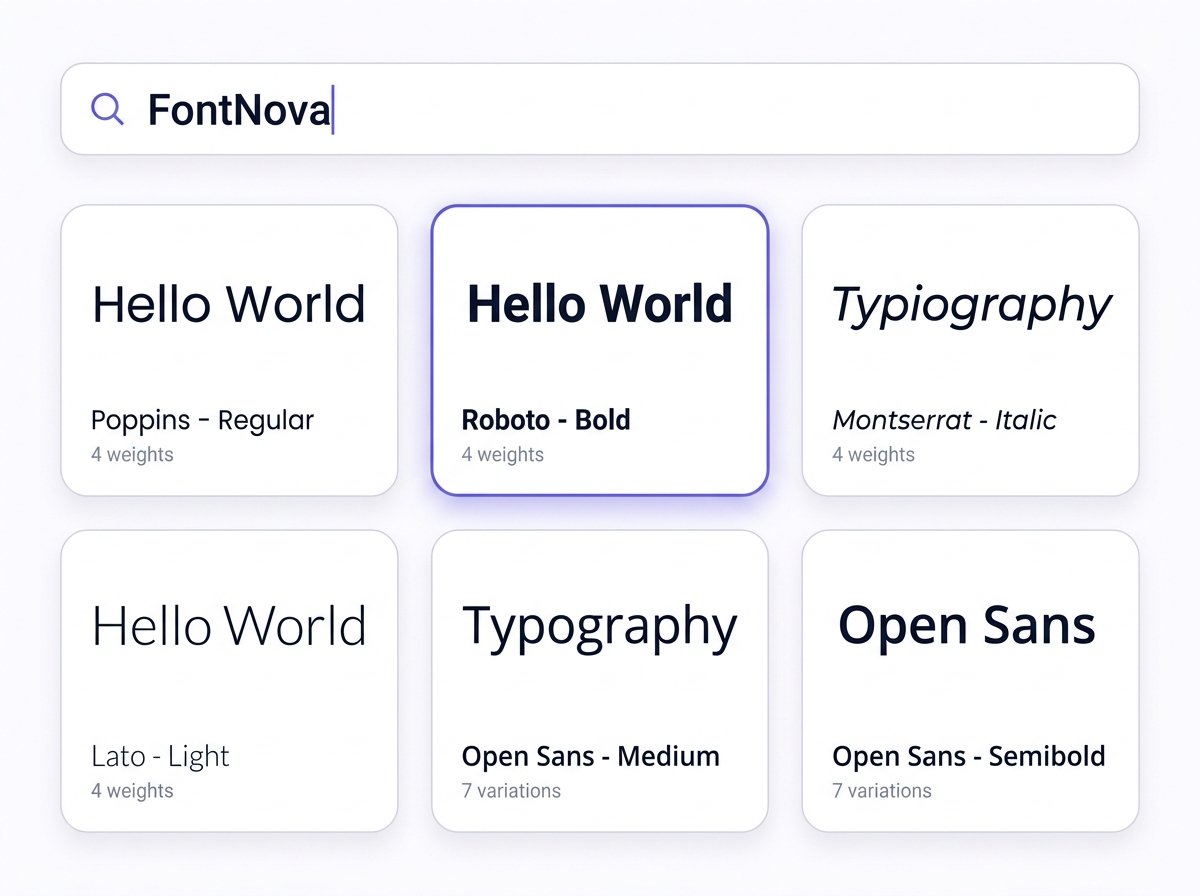
1. Enter Your Text
Type or paste your words into the text box. Our font style generator will transform your regular text into multiple styles automatically.
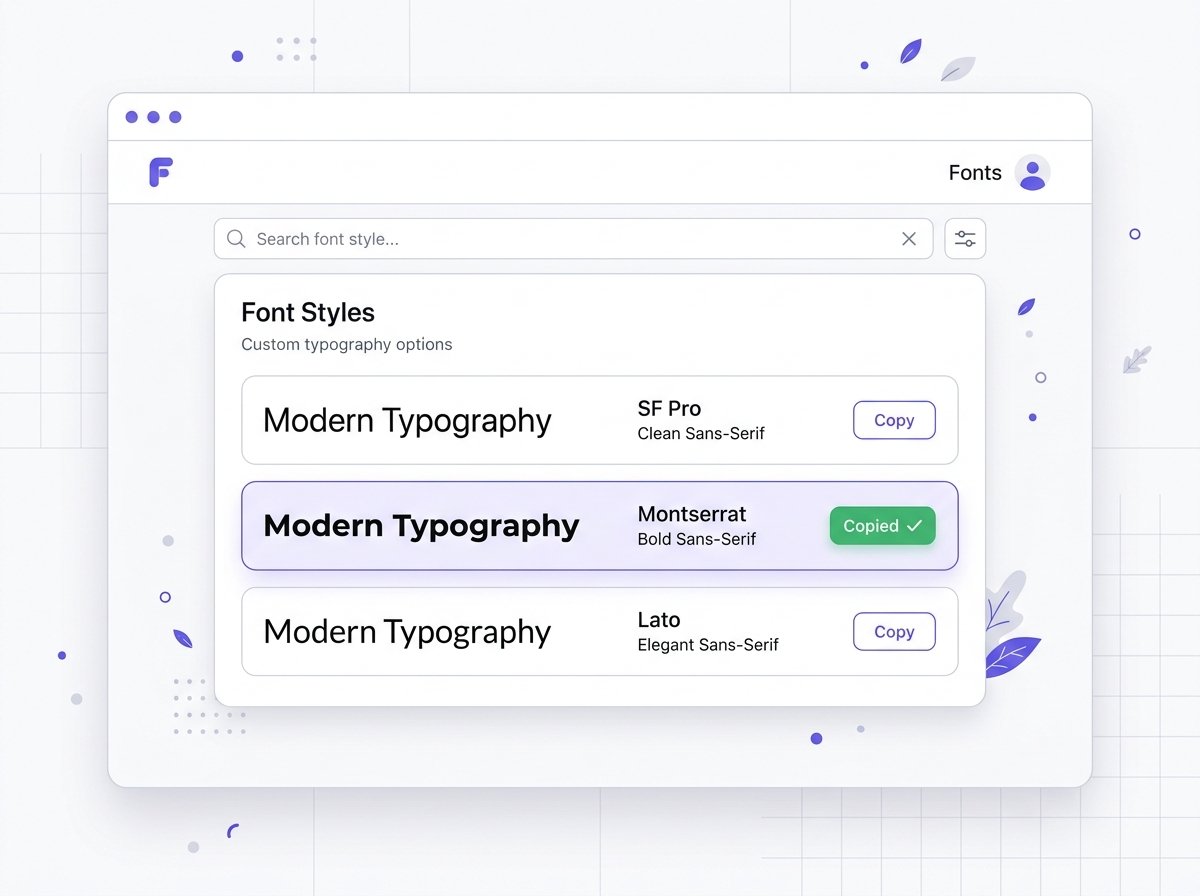
2. Preview Your Text
Explore different font styles and see how your text looks before choosing a result. You can compare the available styles and find the one that best matches your profile, post, message, or other content.
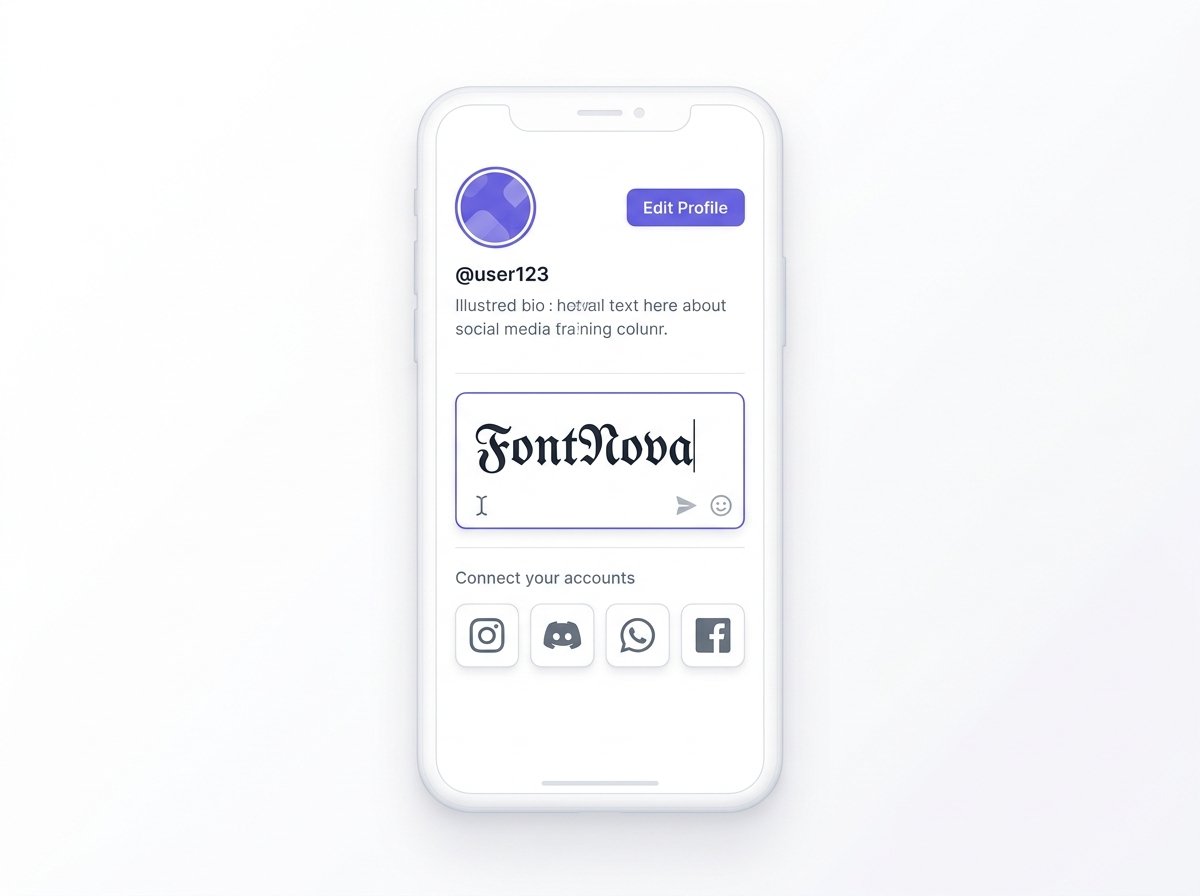
3. Copy and Paste Your Font
When you find a style you like, click the copy button to save the result. You can then copy and paste text into social media profiles, posts, messages, bios, and other places that support Unicode characters.
How Does a Font Generator Work?
A font generator converts ordinary text into different font styles using Unicode characters rather than requiring you to install a traditional font file. When you enter text, the tool matches your letters with alternative Unicode characters to create stylish text that you can easily copy and paste.
Unicode is a universal character standard that includes thousands of letters, symbols, and special characters used across modern websites, apps, and devices. This allows a text generator to create different visual variations while keeping the result as selectable text.
For example, a regular letter can be represented using different Unicode characters to produce bold, cursive, italic, gothic, or other decorative styles. The generator automatically finds the appropriate characters and displays the result instantly, so you can choose a font style you like and copy it without downloading a font or installing extra software.
This is also why these styles can work in many places where ordinary text is supported. Instead of sending a custom .ttf or .otf font file, the generator provides Unicode-based characters that many modern platforms can display directly.
Different Uses for Font Changer Styles
Use font changer styles to make your text more noticeable across social media, messaging apps, gaming profiles, and online communities. Create stylish text, copy your favorite style, and paste it wherever the platform supports Unicode characters.
Social Media
Add aesthetic fonts, fancy fonts, and other text styles to profiles, captions, posts, and usernames on popular social platforms.
Instagram Fonts
Create Instagram fonts for bios, captions, profile names, and posts. Choose a style, copy the result, and paste it directly into your Instagram content.
TikTok Fonts
Use TikTok fonts for profiles, captions, and other content to give your text a different visual style.
Facebook Fonts
Create Facebook fonts for posts, comments, bios, and profile text using copy-and-paste Unicode styles.
X / Twitter Fonts
Use Twitter fonts or stylish text in posts, display names, and profiles on X.
WhatsApp Fonts
Create WhatsApp fonts for messages, statuses, and chats. Copy a bold, cursive, or other text style and paste it into your conversation.
Discord Fonts
Use stylish text for Discord usernames, messages, profiles, and communities.
Gaming Usernames & Gamer Tags
Create distinctive gaming usernames and gamer tags with different font styles for supported gaming platforms.
Why Choose FontNova?
Frequently Asked Questions
Find answers to common questions about Unicode and font generation
Unlike images or CSS-based effects, these Unicode font styles remain real text characters, allowing them to work across Instagram bios, TikTok captions, Discord usernames, WhatsApp messages, Facebook posts, X profiles, emails, and other platforms that support Unicode. No font installation or downloads are required—just copy, paste, and use your stylish text anywhere.