Font Generator: Copy and Paste Fonts
Type once and see 1,600+ font styles to copy and paste: 𝐁𝐨𝐥𝐝, 𝓒𝓾𝓻𝓼𝓲𝓿𝓮, 𝔊𝔬𝔱𝔥𝔦𝔠, ⓑⓤⓑⓑⓛⓔ and more. This free font changer turns plain text into different fonts for Instagram, Facebook, TikTok, Discord and WhatsApp, with no app and no sign up.
Font Styles People Copy the Most
These eight font styles are the ones people search for and copy the most. Every sample is real text, so the copy button gives you letters you can paste straight into a bio, a caption or a chat. Tap a style name to open its own generator with hundreds more versions.
A Free Font Generator With 1,600+ Font Styles
FontNova is a free font generator that changes how your words look without changing the words themselves. Type a name, a caption or a short line, and the tool shows it in more than 1,600 font styles at once: bold, cursive, gothic, small caps, bubble letters, upside down text and many more. Pick the font style you like and copy it with one tap.
Most apps give you a single plain font, and that is why people reach for a font changer. Different fonts help a profile name, a status or the first line of a post stand out in a busy feed. Every result is ordinary text, not an image, so these copy and paste fonts work anywhere you can type. Your fonts copy and paste exactly as you see them, whether the target is a bio, a caption or a group chat.
There is nothing to download and no account to create. This fonts generator runs in your browser on iPhone, Android, Windows and Mac, and it keeps your recent copies and favorite styles on your own device so you can find them again later.
Copy and Paste Fonts in Three Quick Steps
Using our font generator copy and paste tool is simple. Enter your text in the box above and instantly explore different text styles without typing the same text again.
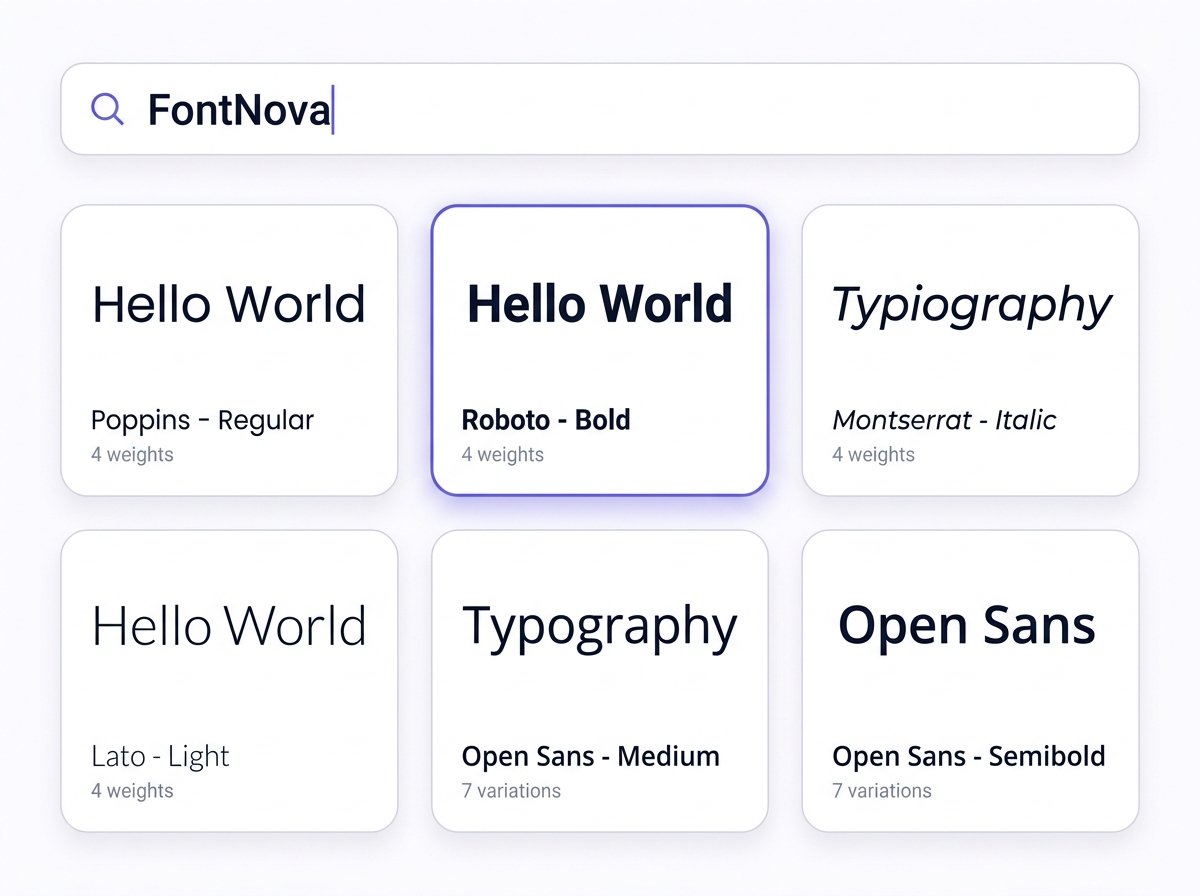
1. Enter Your Text
Type or paste your words into the text box. Our font style generator will transform your regular text into multiple styles automatically.
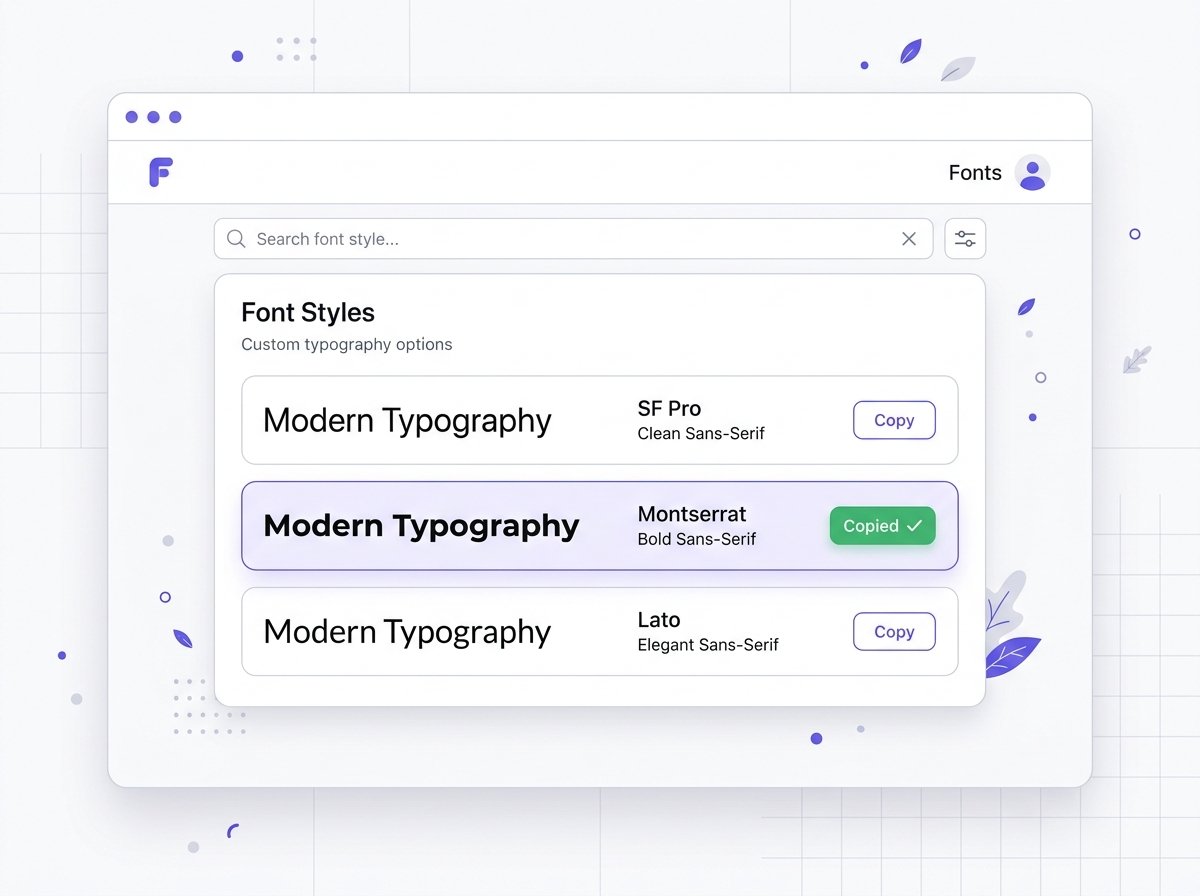
2. Preview Your Text
Explore different font styles and see how your text looks before choosing a result. You can compare the available styles and find the one that best matches your profile, post, message, or other content.
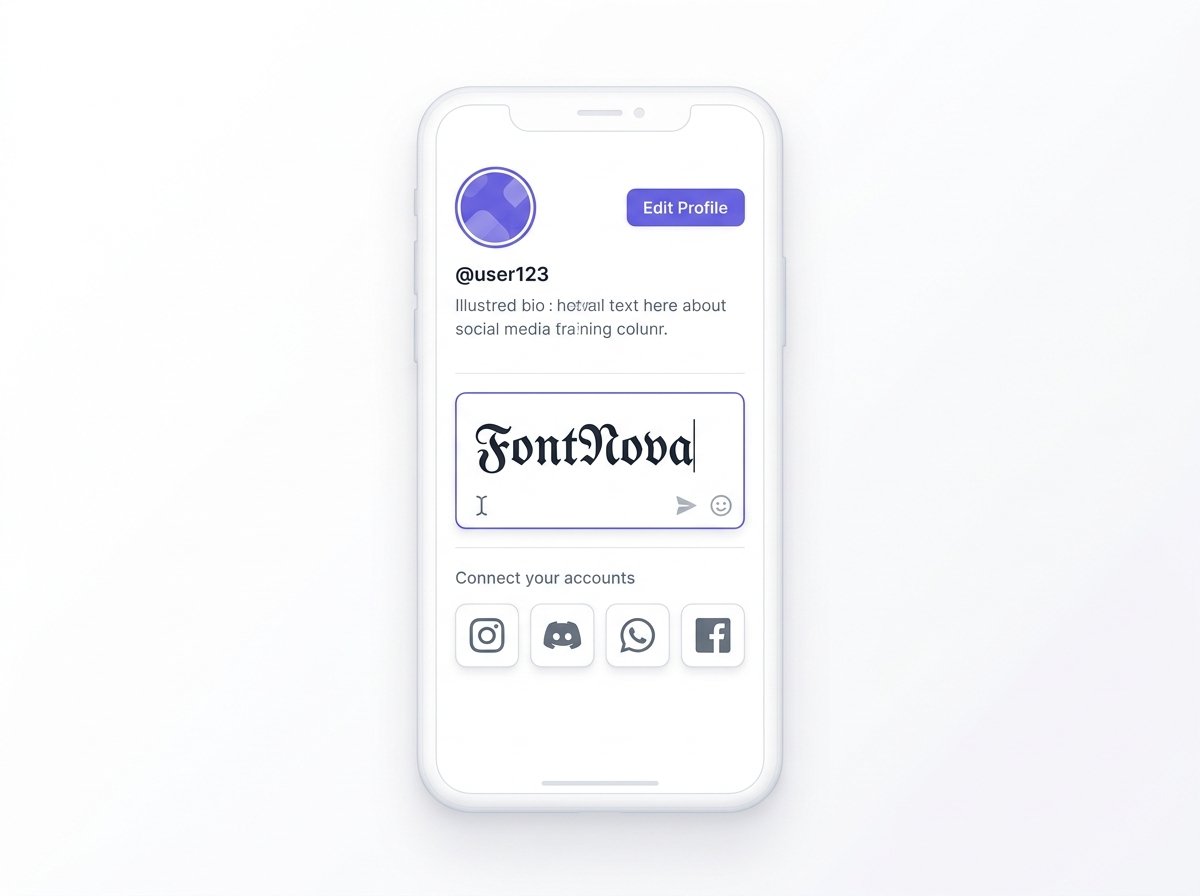
3. Copy and Paste Your Font
When you find a style you like, click the copy button to save the result. You can then copy and paste text into social media profiles, posts, messages, bios, and other places that support Unicode characters.
Font Copy and Paste Ideas for Everyday Posts
Not sure which font style fits? Start with one of these ready made lines. Each one pairs a message with a font that suits it, ready for a quick font style copy paste. Use a line as it is, or type your own words in the font generator above and keep the same style.
Font Style Names With Examples
Saw a font style on someone's profile and want the same one? This table lists the common font style names, what each one looks like and where it fits best. Copy the example straight from the table, or type your own text in the font generator above and search for the style name.
| Font style name | Example | Good for | Copy |
|---|---|---|---|
| Serif Bold | 𝐅𝐨𝐧𝐭 𝐒𝐭𝐲𝐥𝐞 | Headlines and key words in a post | |
| Sans Bold | 𝗙𝗼𝗻𝘁 𝗦𝘁𝘆𝗹𝗲 | Clean profile names and highlights | |
| Serif Italic | 𝐹𝑜𝑛𝑡 𝑆𝑡𝑦𝑙𝑒 | Quotes and soft emphasis | |
| Script (Cursive) | 𝓕𝓸𝓷𝓽 𝓢𝓽𝔂𝓵𝓮 | Names, love notes and wedding captions | |
| Fraktur (Gothic) | 𝔉𝔬𝔫𝔱 𝔖𝔱𝔶𝔩𝔢 | Gamer tags and old style looks | |
| Double Struck | 𝔽𝕠𝕟𝕥 𝕊𝕥𝕪𝕝𝕖 | Outlined letters for display names | |
| Monospace | 𝙵𝚘𝚗𝚝 𝚂𝚝𝚢𝚕𝚎 | Typewriter or coding feel | |
| Small Caps | ꜰᴏɴᴛ ꜱᴛʏʟᴇ | Simple, minimal bios | |
| Superscript (Tiny) | ᶠᵒⁿᵗ ˢᵗʸˡᵉ | Little side notes and tags | |
| Circled (Bubble) | Ⓕⓞⓝⓣ Ⓢⓣⓨⓛⓔ | Playful posts and stories | |
| Fullwidth (Wide) | Font Style | The spaced out look behind many aesthetic fonts | |
| Upside Down | ǝlʎʇS ʇuoℲ | Jokes, riddles and pranks | |
| Strikethrough | F̶o̶n̶t̶ S̶t̶y̶l̶e̶ | Playful "edits" in a caption |
How Does a Font Generator Work?
A keyboard can type only a few hundred characters, but the Unicode standard that every modern phone and computer follows holds more than 150,000. Among them are complete alphabets that were added for maths and science: bold letters, script letters, double struck letters, fraktur letters and more.
When you type "Hello", the font generator swaps each letter for its match in one of those alphabets. The H in 𝐇𝐞𝐥𝐥𝐨 is a different character from the H in 𝓗𝓮𝓵𝓵𝓸, so the font style travels with the text when you copy it. That is the whole trick, and it is why a text font generator or text changer like this one works inside apps that never let you pick a font.
Font Changer vs Installed Fonts
Copy and paste fonts
The letters are new characters, so everyone who reads your bio sees the style you picked. Best for names, bios, captions, comments and chats. Nothing to install.
Installed fonts
Fonts like Arial or Montserrat change how letters are drawn, but only on your own device and only in apps with a font menu. Best for documents, posters and printed designs.
Different Types of Fonts Explained
Designers sort fonts into a handful of families. Knowing them makes it easier to pick a font style that matches the mood of your words, and each family has a copy and paste version you can use right now.
Serif
Small strokes, often called feet, sit at the ends of each letter, as in Times New Roman. Serif feels classic and formal.
Sans Serif
No feet and clean lines, as in Arial or Helvetica. It reads easily on a small phone screen.
Script and Cursive
Based on handwriting, with flowing and joined strokes. Popular for names and personal captions.
Blackletter
The heavy medieval look also called gothic or Old English, seen in old manuscripts and newspaper titles.
Monospace
Every letter takes the same width, like a typewriter or a code editor.
Display and Decorative
Made to grab attention rather than for long reading, such as bubble, outlined or wide letters.
Want to see one word across all these different font styles? Our guides show a name in different fonts and the full alphabet in different fonts, letter by letter.
Where Copy and Paste Fonts Work
A styled font pastes fine almost anywhere you write freely, like a bio, a caption or a message. Usernames are the exception. Most apps limit the @handle to plain letters, numbers and a few symbols, so a fancy font gets rejected there even when it works in your display name. Check this guide before you change your font style on a profile.
| App | Bio, posts and messages | Display name | @username |
|---|---|---|---|
| Yes | Yes | NoLetters, numbers, periods and underscores | |
| TikTok | Yes | Yes | NoLetters, numbers, periods and underscores |
| YesPosts, comments, intro | Usually notName rules | NoLetters, numbers and periods | |
| Discord | Yes | Yes | NoLowercase letters, numbers, periods, underscores |
| X (Twitter) | Yes | Yes | NoLetters, numbers and underscores |
| YesChats, status, About | Yes | Plain textSafest choice |
Styles built from stacked marks, such as glitch, underline and strikethrough text, are the most likely to be cleaned up by an app. If one disappears after you post, switch to a bold, script or double struck style. Those are full letters rather than marks, so they hold up much better.
Change Your Font Style Online Without an App
Plenty of font style apps ask you to install a new keyboard. That works, but a keyboard can see everything you type, including messages and passwords, so both iPhone and Android ask you to approve that kind of access first.
An online font style generator skips all of that. You type only the words you want to style, copy the result and close the tab. It takes no space on your phone, needs no updates and works the same in Chrome, Safari or any other browser.
Online font generator
Free, nothing to install, sees only what you paste into it, works on any device with a browser.
Font keyboard app
Styles text as you type, but takes space, may show ads and needs keyboard access on your phone.
Tips to Make Your Font Style Stand Out
Different fonts catch the eye, but too much of one style gets tiring fast. These small habits keep your text stylish and still easy to read.
Style one part
Use a font style for your name or the first line, then switch back to plain text for the rest.
Stick to one or two styles
Mixing five fonts in one bio looks messy. A bold heading with a script name is plenty.
Match the mood
Script feels soft and personal, gothic feels bold and dark, monospace feels techy. Pick the one that fits your words.
Check it on a phone
Most people will read your text on a small screen, so preview it there before you post.
Why Some Fonts Show Boxes or Question Marks
If a friend sees empty boxes (□) or question marks instead of your styled text, their device has no drawing for that character. Your text is fine. The font on their screen simply does not include it. This happens most often on older phones and on some smart TVs and game consoles.
Update the device
Newer system fonts cover far more characters.
Pick a safer style
Bold, italic, script and double struck letters have been around for years and show up almost everywhere.
Go easy on rare styles
Squared letters, some cute symbols and stacked glitch marks are the first to break.
Test before you post
Paste the text into a note or a message to yourself, and check it on a second device if you can.
Are Fancy Fonts Accessible?
Styled letters look like words to us, but a screen reader sees separate symbols. Depending on the app, it may read 𝐅𝐨𝐧𝐭 as a string of math letters, spell it out or skip it, so a whole bio written in a fancy font can be hard for blind and low vision readers to follow. Search inside some apps can also miss styled words.
Do
- Style your name or a short heading
- Keep one plain version of key words
- Use bold or italic for emphasis
Avoid
- Writing a full bio in a fancy font
- Styling contact details and links
- Long paragraphs of glitch text
Where to Use Different Fonts
Different fonts work best in short bursts: a name, a first line, a status. These are the places people use a font changer the most.
Instagram Fonts
Style your name, bio and captions. The Instagram font generator sorts styles that suit bios and short captions.
Facebook Fonts
Add a different font style to posts, comments and the intro on your profile.
TikTok Fonts
Use copy and paste fonts in your display name, bio and video captions.
Discord Fonts
Dress up display names, server names, channel topics and messages.
WhatsApp Fonts
Paste styled text into chats, status and About. WhatsApp also has built in formatting: wrap text in *asterisks* for bold, _underscores_ for italic, ~tildes~ for strikethrough and three backticks for monospace.
X (Twitter) Fonts
Put bold or italic words in posts and your display name to make a point land.
Gaming Names
Many mobile games accept styled letters in nicknames, though each game sets its own rules. Test your name in the game first, and try the username generator or the stylish text generator for more ideas.
Why Choose FontNova?
Frequently Asked Questions
Quick answers about the font generator and copy and paste fonts