Facebook Font Generator
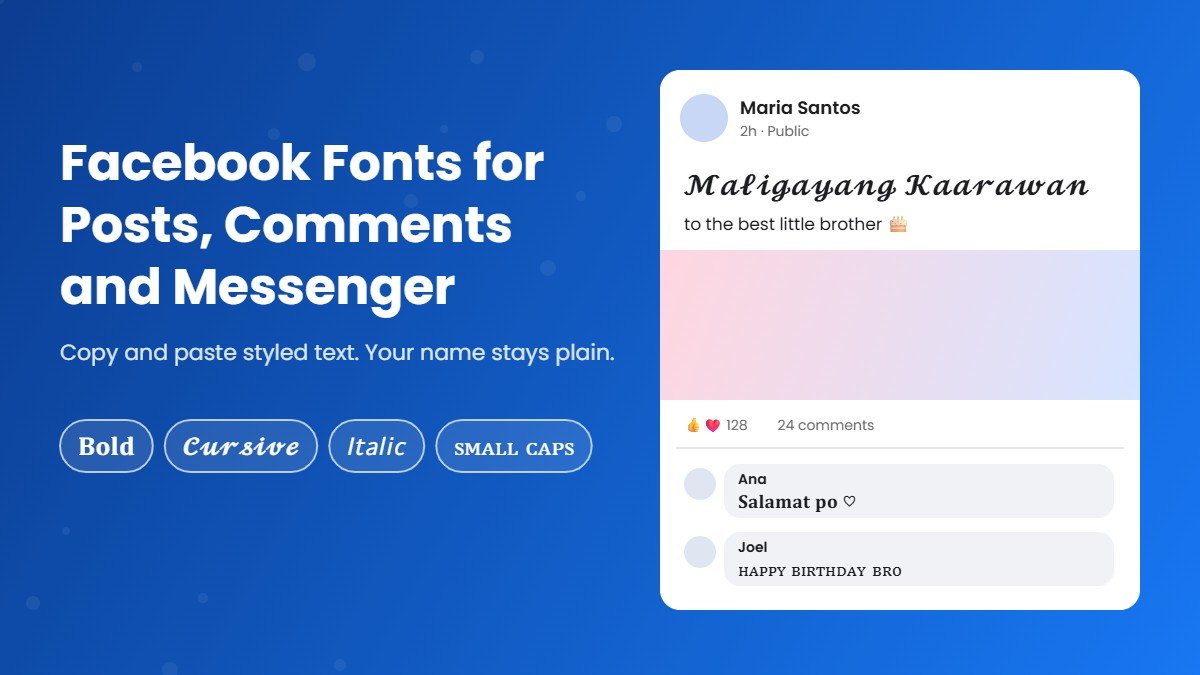
Change the Facebook font of your posts, comments and bio to 𝐛𝐨𝐥𝐝, 𝓬𝓾𝓻𝓼𝓲𝓿𝓮, 𝘪𝘵𝘢𝘭𝘪𝘤 or ꜱᴍᴀʟʟ ᴄᴀᴘꜱ. Type below, copy the FB font you like and paste it into Facebook or Messenger.
How to Use the Facebook Font Generator
Type your text
Write a post line, a caption or a comment in the box above. The Facebook font generator, which also works as an FB text generator or Facebook text generator, shows every FB font style at once.
Pick a Facebook font
Tap Copy on the style you like. Bold, italic and cursive are the most readable fonts for Facebook on a phone.
Paste it on Facebook
Facebook font copy paste takes one tap. Paste it into a post, a comment, your bio or a Messenger chat. No app, no extension and no sign up.
Where Facebook Fonts Work (and Where They Don't)
Every Facebook font on this page is made of Unicode characters, not a real font file. Facebook shows them like normal text, so this FB font changer works almost everywhere you can type. The exceptions matter, though, so check this table before you paste:
| Place on Facebook | Do fonts work? | What to know |
|---|---|---|
| Posts and captions | Yes | The best place for a Facebook caption font or a font for Facebook post headlines. Style the first line as a hook and keep the rest plain. |
| Comments and replies | Yes | A short styled reply stands out in a long comment thread. |
| Bio (Intro) | Yes | Great for one styled line, like a role or a motto. |
| Messenger | Yes | Paste styled text into any chat. See the Messenger section below. |
| Group posts and events | Yes | Useful for headings like rules or event titles inside the description. |
| Profile name | Usually no | Facebook's name rules block symbols and characters from multiple languages, so a Facebook name style is usually rejected. |
| Ads and Marketplace listings | Avoid | Unusual characters can get ads rejected and make listings harder to find in search. |
Facebook Font Styles With Examples
These are the Facebook font styles people use most, shown with everyday posts. Tap any example to select it, or type your own words in the FB font generator above.
| Style | Example | Example |
|---|---|---|
| Bold | 𝐌𝐚𝐥𝐢𝐠𝐚𝐲𝐚𝐧𝐠 𝐊𝐚𝐚𝐫𝐚𝐰𝐚𝐧 | 𝐅𝐨𝐫 𝐒𝐚𝐥𝐞 |
| Sans bold | 𝗛𝗮𝗽𝗽𝘆 𝗕𝗶𝗿𝘁𝗵𝗱𝗮𝘆 | 𝗚𝗼𝗼𝗱 𝗺𝗼𝗿𝗻𝗶𝗻𝗴 |
| Italic | 𝘚𝘢𝘭𝘢𝘮𝘢𝘵 𝘱𝘰 | 𝘛𝘩𝘢𝘯𝘬 𝘺𝘰𝘶 |
| Cursive | 𝓜𝓪𝓱𝓪𝓵 𝓴𝓲𝓽𝓪 | 𝓟𝓻𝓸𝓾𝓭 𝓶𝓸𝓶 |
| Small caps | ꜱᴀʟᴀᴍᴀᴛ ᴘᴏ | ɢᴏᴏᴅ ᴍᴏʀɴɪɴɢ |
| Gothic | 𝕸𝖆𝖍𝖆𝖑 𝖐𝖎𝖙𝖆 | 𝕿𝖍𝖆𝖓𝖐 𝖞𝖔𝖚 |
| Bubble | Ⓗⓐⓟⓟⓨ Ⓑⓘⓡⓣⓗⓓⓐⓨ | Ⓕⓞⓡ Ⓢⓐⓛⓔ |
| Double struck | 𝕊𝕒𝕝𝕒𝕞𝕒𝕥 𝕡𝕠 | 𝔾𝕠𝕠𝕕 𝕞𝕠𝕣𝕟𝕚𝕟𝕘 |
A good font for Facebook depends on the job, and this font generator for Facebook lets you compare them side by side. Bold works for sale posts and announcements, cursive suits birthdays and family posts, and small caps gives a page a clean, professional font style for Facebook. For deeper sets of one look, try the cursive font generator, the bubble font generator or the fancy text generator. The main font generator has 1,600+ styles if you want even more fonts for Facebook.
How to Change Font in Facebook Posts, Comments and Bio
Facebook has no font menu, so the only way to change font in Facebook is to paste styled text. This Facebook font changer does the styling for you. Here is how to change font in Facebook step by step:
- Type your text in the facebook font generator above and copy the style you like.
- Open Facebook and tap What's on your mind? to start a post, or open a comment box.
- Paste the styled text, add the rest of your message in normal letters and tap Post.
- For your bio, go to your profile, tap Edit profile, then Bio, and paste it there.
That is the whole Facebook font change (some people search it as facebook change font), and it works the same on Android, iPhone and desktop. If you want to know how to change font in a Facebook post that is already published, edit the post, replace the words with the styled version and save.
How to Bold Text in a Facebook Post
Regular Facebook posts have no bold button, which is why so many people search for how to bold text in Facebook post updates and captions. The fix is Unicode bold:
- Type the words you want in bold, such as a headline or a price.
- Copy the Bold or Sans Bold result, for example 𝐒𝐀𝐋𝐄 𝐓𝐎𝐃𝐀𝐘 or 𝗙𝗿𝗲𝗲 𝗦𝗵𝗶𝗽𝗽𝗶𝗻𝗴.
- Paste it into your post and write the details in normal text below.
Keep the Facebook font bold to one line. A whole post in bold is tiring to read and screen readers may read it letter by letter. For a full set of bold styles, our bold text generator has every weight, and the italic font generator covers slanted text.
Messenger Fonts: How to Change Font in Messenger
Messenger works the same way as Facebook. There is no font option inside the app, but styled text pastes in perfectly. To change font in Messenger:
- Copy a style from this Facebook font generator, which works just as well as a Messenger font generator.
- Open the chat in Messenger and paste it into the message box.
- Send. Your friend sees the same Messenger font style on their phone.
What font does Messenger use for normal messages? The same system font as Facebook, explained below, so you cannot switch it in settings. Whether you call it a Messenger change font trick or a Messenger font change, it is always copy and paste.
Facebook Name Style: Why Stylish Names Get Rejected
Many sites promise a stylish Facebook name, but Facebook's own rules say your name can't include:
"Symbols, numbers, unusual capitalization, repeating characters or punctuation; Characters from multiple languages"
Unicode fonts count as unusual characters, so a Facebook name style font in cursive or bold, often searched as a facebook font style name, is usually blocked when you try to save it. Even if one slips through, it can be flagged later. A safer plan:
- Keep your profile name in plain letters.
- Put your Facebook stylish font in your bio, posts and comments instead.
- For a Facebook Page, use a plain name and style the About section or posts.
The same advice works for other apps. If you need a name idea, our username generator helps, and our guide to your name in different fonts shows names in 16 styles for places that do allow them.
What Font Does Facebook Use?
Facebook and Messenger show text in your device's own system font. On an iPhone that is San Francisco, on most Android phones it is Roboto, and on Windows it is Segoe UI. That is why the same post looks slightly different on different phones. The Facebook logo uses its own custom lettering, separate from the font in posts.
How to change font size on Facebook
If you only want bigger or smaller text, you do not need a font generator. The Facebook app follows your phone's text size setting, found in your phone's Display or Accessibility settings. On a computer, zoom the browser with Ctrl and + or Ctrl and minus (Cmd on a Mac). Messenger follows the same settings.
Tips and Common Problems
- Boxes instead of letters. Older phones may lack a few characters and show □. Bold, italic, cursive and small caps are the safest Facebook fonts.
- People cannot find your post. Facebook search reads 𝐒𝐚𝐥𝐞 and Sale as different words. Keep keywords, prices and hashtags in plain text.
- Screen readers. Assistive tools may read styled letters one by one, so keep important details in normal text.
- Same look everywhere. These fonts also work in other apps, so you can match your Facebook with Instagram fonts, TikTok fonts and Discord fonts.
- Want tiny text? The small text generator makes ˢᵐᵃˡˡ letters for short notes under a post.
More Free Font Tools
Frequently Asked Questions
Find answers about the Facebook Font Generator