What Font Does Instagram Use? App, Captions, Logo and Stories Fonts
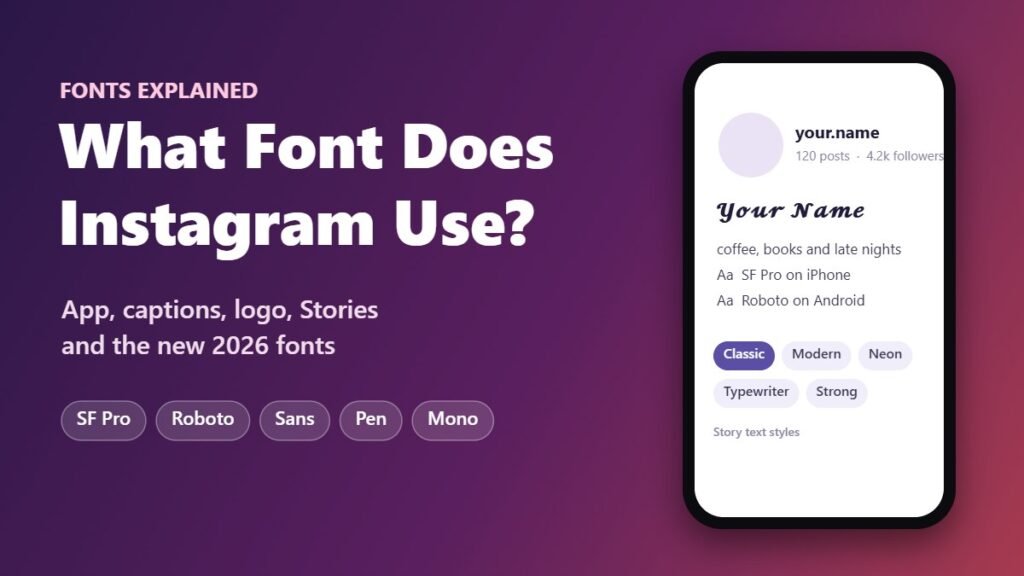
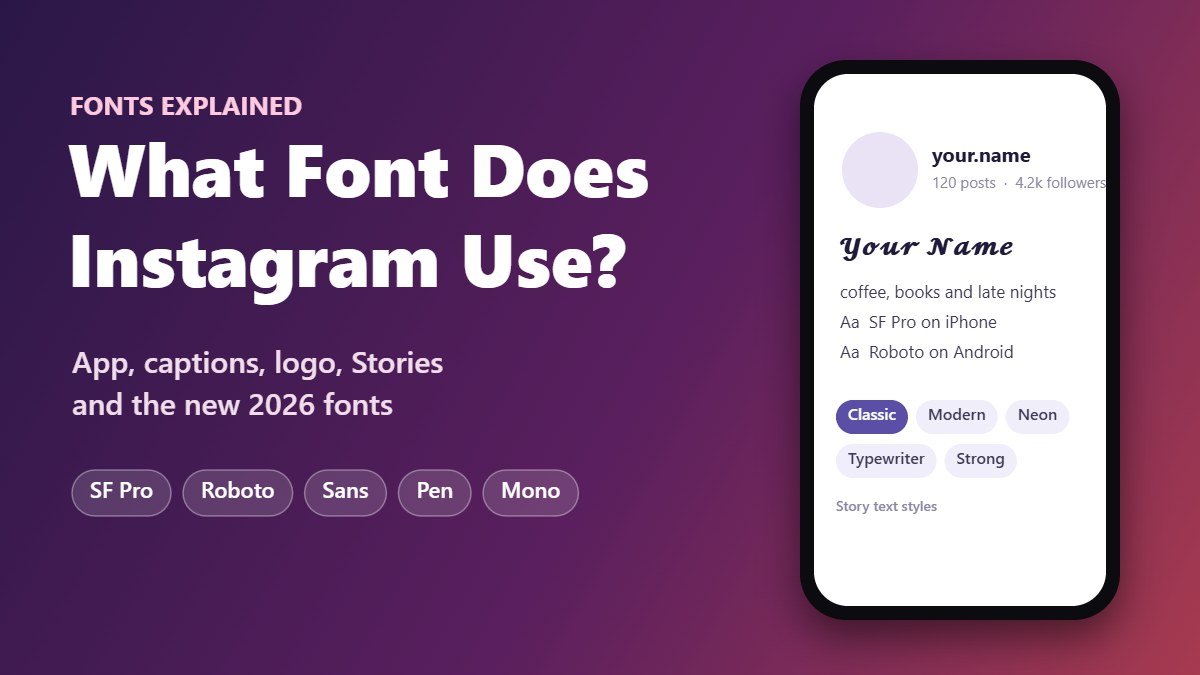
Instagram doesn’t ship its own font for the stuff you type. Captions, bios, comments and DMs show up in your phone’s system font, so that’s SF Pro on an iPhone and Roboto on most Android phones. The brand itself uses Instagram Sans, which arrived in May 2022. Then in August 2026 Instagram gave its type a refresh and added two new members to the family: Instagram Pen and Instagram Mono.
As you can see, Instagram makes use of several fonts rather than just one. Text displayed in the Instagram app, its logo, and the text features in Stories all use different fonts. Below is a guide to all of them.
Fonts on Instagram at a Glance
| Where it appears | Font |
|---|---|
| Captions, bios, comments, DMs (iOS) | SF Pro (San Francisco) |
| Captions, bios, comments, DMs (Android) | Roboto on most devices |
| Brand and marketing text | Instagram Sans |
| Updated brand fonts (August 2026) | Instagram Pen, Instagram Mono |
| Logo (wordmark) | Custom script, redrawn in 2026 |
| Text in Stories | Classic, Modern, Neon, Typewriter and Strong |
What Font Does Instagram Use for Captions, Bios and Comments?
Short version: whatever your phone already uses. Instagram just borrows it. It is SF Pro on iPhone, the San Francisco font created by Apple. On Android you’ll usually see Roboto, Google’s default.
So if a caption looks a tiny bit different on your friend’s phone, nothing is broken. Same words, different phone, different font. And a few Android brands swap in their own system font, which adds one more variation.
So What Is the Instagram Font? Meet Instagram Sans
Instagram Sans is a font that belongs to Instagram. It was launched in May 2022 as part of a brand renewal. Meta worked on the typeface in collaboration with Colophon Foundry, a London based type studio.
There are some features that distinguish Instagram Sans from other fonts:
- It incorporates elements of the Instagram logo: round corners that sit between a square and a circle.
- It supports a large number of writing systems, including Arabic, Thai, and Korean.
- It can be found in Instagram advertising and branding, as well as in Stories in the newest versions of the app.
New Instagram Fonts in 2026: Instagram Pen and Instagram Mono
On August 13, 2026, Instagram presented its new brand identity. Instagram Sans got updated, and two additional typefaces were added to the collection:
Meta has not announced yet whether Pen and Mono will be available inside Instagram, so for the time being, consider them brand fonts.
What Font Is the Instagram Logo?
Here’s the catch: the logo isn’t a font at all. It’s lettering drawn just for Instagram, so you won’t find it as a download anywhere.
No font file will match it perfectly, since it was drawn by hand. Want something close? Grab a screenshot of the logo, drop it into our font finder, and you’ll get a few lookalikes to pick from.
What Font Does Instagram Use for Stories?
Tap the text tool in a Story and you’ll get a handful of styles to choose from. Instagram shuffles them around now and then, but these are the ones most people know:
| Font style | Description |
|---|---|
| Classic | Default plain style |
| Modern | Capital letters, neat and simple |
| Neon | Glowing script |
| Typewriter | Monospace style similar to typewritten text |
| Strong | Thick and bold, suitable for headings |
The current version of the app provides a few more styles, including Instagram Sans. To switch, just tap the style name sitting at the top of the editor until you land on one you like.
What Font Does Instagram Use for Usernames and Messages?
Same deal as captions. Your username and your DMs show up in SF Pro on iPhone and Roboto on most Android phones. There’s one rule worth knowing, though. An @username only accepts letters, numbers, periods and underscores, so fancy styles won’t stick there. Your display name is different. That’s the bold name sitting above your bio, and it lets you use far more characters.
Can You Change the Font on Instagram?
There is no option to change the app’s default font in the Instagram settings menu. You can only use Unicode characters that resemble various fonts, and you can use them in your:
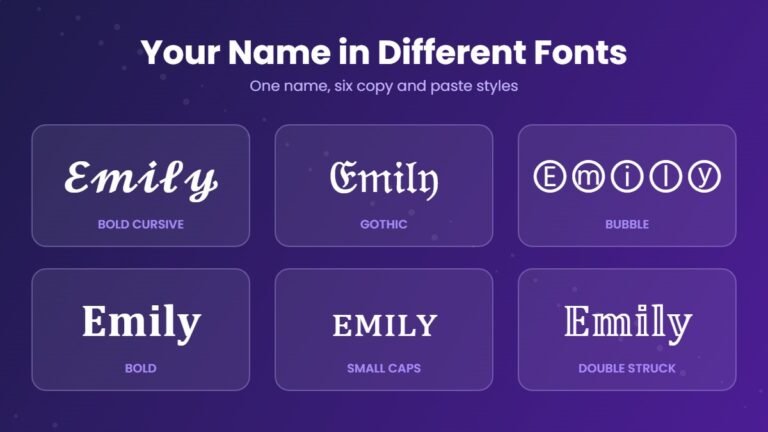
𝐁𝐨𝐥𝐝𝘐𝘵𝘢𝘭𝘪𝘤𝓒𝓾𝓻𝓼𝓲𝓿𝓮𝕺𝖑𝖉 𝕰𝖓𝖌𝖑𝖎𝖘𝖍ⓑⓤⓑⓑⓛⓔ
Our Instagram font generator makes this easy. Type your text once, pick a style you like, copy it, and paste it straight into Instagram.
Make your Instagram bio stand out
Type once, copy any style, paste it into Instagram.
People often ask whether it is possible to apply fonts like Papyrus to their Instagram profile. Sadly, it is impossible, because Papyrus is an installed font and not Unicode symbols. Instagram supports only the default system font and Unicode styles like the ones listed above.
Can You Download Instagram Sans?
Nope. Meta owns Instagram Sans and hasn’t released it to the public. If you like the look, try any clean sans serif with soft, rounded edges. Or screenshot something written in it and let the font finder suggest close matches.
Frequently Asked Questions
What font does Instagram use?
It depends on your phone. iPhones show Instagram text in SF Pro, and most Android phones use Roboto. For its own branding, Instagram uses a font called Instagram Sans.
What font is Instagram?
The Instagram font name is Instagram Sans. It was released in May 2022 and updated in August 2026, along with two additional fonts, Instagram Pen and Instagram Mono.
What font is used in Instagram captions?
Captions are displayed in the system font of the device you use: SF Pro on iPhone and Roboto on Android.
What font is the Classic font in Instagram Stories?
Classic is the default text style in Instagram Stories. It is a clear text style designed for legibility on photos and videos.
Is Instagram Sans font free?
No. Instagram Sans is a proprietary font of Meta.