How to Make Small Text in Discord (Subtext and Tiny Text)
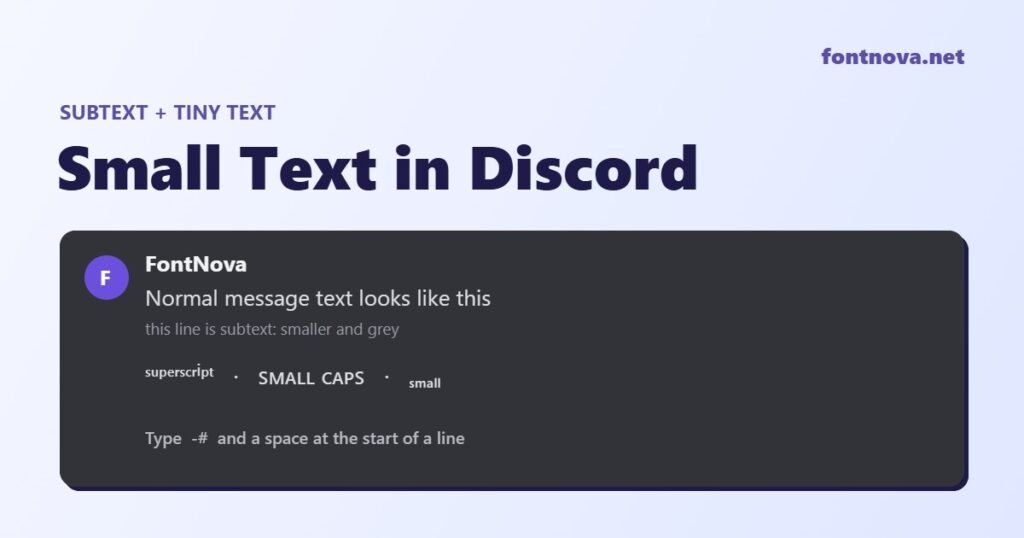
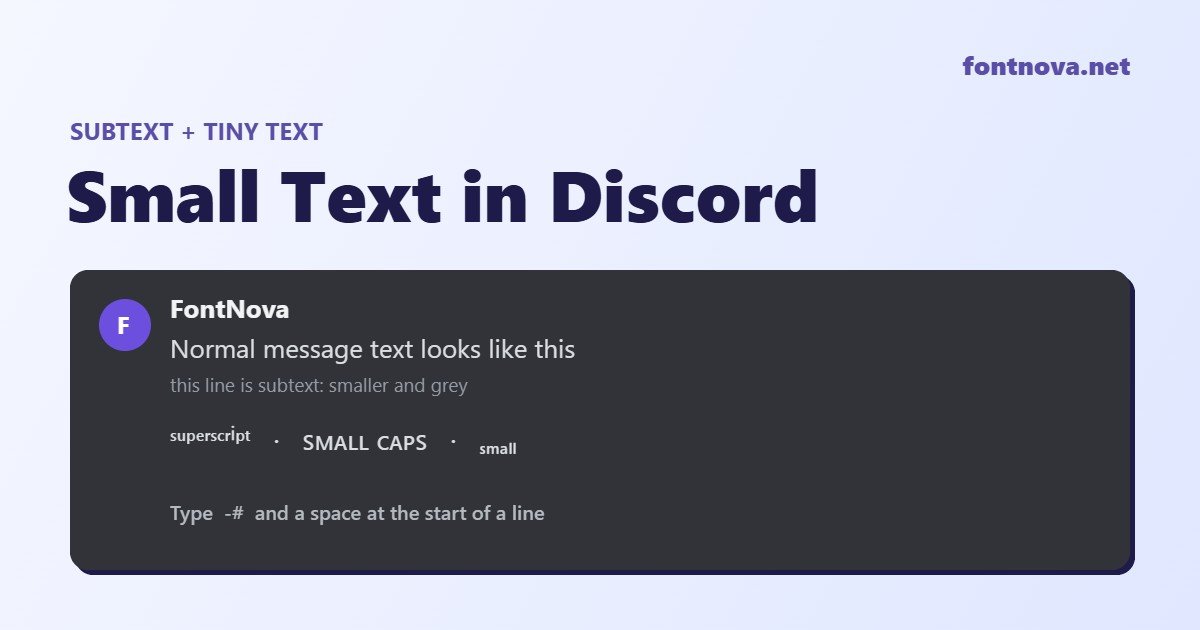
To make small text in Discord, type -# (a hyphen, a hash and a space) at the very start of a line, then your message. Discord shows that line as subtext: smaller, lighter grey text under your normal chat. It works on desktop, browser and mobile, and it takes two seconds.
Subtext only works inside messages, though. If you want tiny text in your server nickname, display name, About Me or a channel name, you need Unicode tiny text instead, like ˢᵐᵃˡˡ ᵗᵉˣᵗ or ꜱᴍᴀʟʟ ᴛᴇxᴛ. This guide covers how to make small text in Discord both ways, explains why Discord subtext sometimes does not work, and shows exactly which letters have no tiny version. You can make any of these styles in our free font generator.
How to Make Text Small in Discord With Subtext (-#)
Subtext is Discord’s built-in way to shrink text. It is part of Discord’s markdown, the same system that handles bold, italic and headers, and it is the quickest answer to how to make text smaller in Discord. It is documented in Discord’s own Markdown Text 101 help article.
- Click the message box in any server channel, thread or DM.
- Type
-#and then a space. The space matters. - Type your text, for example
-# edited, sorry for the typo. - Press Enter. The line appears smaller and grey.
Each line needs its own -# . If you write three lines and only the first one starts with it, only the first line turns into subtext. To mix sizes in one message, press Shift + Enter for a new line and start the small line with -# .
How to do small text on Discord mobile
The syntax is the same on Android and iPhone, and tiny text on Discord mobile works by copy and paste too. Type -# at the start of the line, add your text and send. If your keyboard adds a different dash automatically, such as a longer dash instead of a hyphen, subtext will not trigger, so switch off smart punctuation or type the hyphen from the symbols keyboard.
Discord Subtext Not Working? Check These Five Things
The Discord subtext format is strict, so most “subtext does not work” problems come down to one small detail:
- No space after the hash.
-#textstays normal. It has to be-# text. - It is not at the start of the line.
hello -# worldwill not work. Subtext always starts a new line, so you cannot shrink only one word in the middle of a sentence. - The wrong dash. Phones sometimes turn a hyphen into a longer dash. Only the normal hyphen (-) works.
- It is inside a code block. Anything between backticks is shown exactly as typed, so the formatting is ignored.
- You are not in a message. Nicknames, usernames, channel names and role names do not read markdown at all. Use Unicode tiny text there instead.
How to Make Tiny Text in Discord With Unicode
This is how to do tiny text in Discord anywhere markdown does not reach. Unicode tiny text is not formatting. Each letter is a separate character that already looks small, so it stays small wherever you paste it, including places where Discord markdown does not work. These are the three tiny text styles people use most on Discord:
| Style | Example | Looks like | Best for |
|---|---|---|---|
| Superscript | ˢᵐᵃˡˡ ᵗᵉˣᵗ | Tiny letters that sit high | Short tags like ᵇʳᵇ, ᵃᶠᵏ or ᵍᵍ ᵉᶻ |
| Small caps | ꜱᴍᴀʟʟ ᴛᴇxᴛ | Capital shapes at lowercase size | Nicknames, role names and channel names like ᴍᴏᴅᴇʀᴀᴛᴏʀ |
| Subscript | ₛₘₐₗₗ ₜₑₓₜ | Tiny letters that sit low | Numbers and short notes such as ᵥ₂.₁ |
To use them, type your text into the small text styles on FontNova, copy the result you like and paste it into Discord. It works the same way for your display name, server nickname, About Me, custom status and messages.
Which Letters Have No Tiny Version
Here is something most small text guides skip. Unicode never added a full tiny alphabet, so every tiny text style has gaps. When a letter is missing, a small text generator either leaves it normal size or swaps in a look-alike character. These are the gaps in each style:
| Style | Letters with no tiny version | What you will see |
|---|---|---|
| Subscript | b, c, d, f, g, q, w, y, z | These stay full size, so “gg ez” becomes gg ₑz. Subscript is the weakest style for words. |
| Small caps | q and x | They stay lowercase: “text” becomes ᴛᴇxᴛ with a normal x. |
| Superscript | q (and capital Q) | FontNova uses the look-alike ᑫ. Superscript capitals also borrow a few lowercase shapes, such as ᶜ, ᶠ and ˢ. |
| Numbers | None in superscript or subscript | All digits work: ⁰¹²³⁴⁵⁶⁷⁸⁹ and ₀₁₂₃₄₅₆₇₈₉. Small caps has no special digits, so numbers stay normal. |
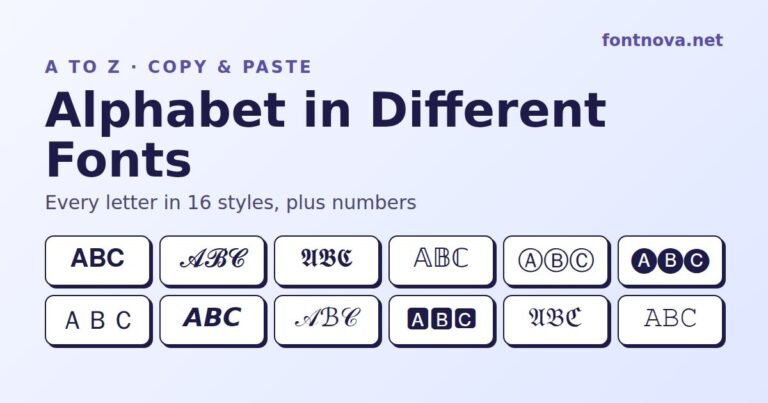
For the cleanest look, use superscript or small caps for words and keep subscript for numbers. You can see every letter in dozens of styles in our guide to the alphabet in different fonts.
Discord Subtext vs Tiny Text vs Headers: Which One to Use
Subtext (-# ) |
Unicode tiny text | Headers (#, ##, ###) |
|
|---|---|---|---|
| What it does | Makes a line smaller and grey | Uses small-looking characters | Makes a line bigger and bold |
| Works in messages | Yes | Yes | Yes |
| Works in nicknames, bios and channel names | No | Yes | No |
| Can shrink one word mid-sentence | No, whole line only | Yes | No, whole line only |
| Searchable in Discord | Yes, it is normal text | Not reliably, the characters are different | Yes |
| Screen reader friendly | Yes | Often read oddly or skipped | Yes |
The simple rule: in a message, use subtext. Anywhere else, use Unicode tiny text.
Where Discord Small Text Works
- Messages, threads and DMs: both subtext and Unicode tiny text work.
- Display name and server nickname: Discord tiny text made with Unicode works here, and small caps is the most readable choice.
- Username: no. Discord usernames only allow lowercase letters, numbers, underscores and periods, so fancy or tiny characters are rejected. Put the style in your display name instead. If you need a name idea, try our username generator.
- About Me and custom status: Unicode tiny text pastes in fine.
- Channel and role names: many servers use small caps here, for example ᴀɴɴᴏᴜɴᴄᴇᴍᴇɴᴛꜱ or ʀᴜʟᴇꜱ. Test one channel first, because some characters display differently across devices.
Other Discord Text Formatting Worth Knowing
Discord small text formatting is one part of Discord text formatting, and Discord subtext markdown follows the same rules as the other options. These are the markdown codes you can combine with it in a server:
| Type this | You get |
|---|---|
**text** |
Bold |
*text* |
Italic |
__text__ |
Underline |
~~text~~ |
Strikethrough |
||text|| |
Spoiler |
# text |
Big header |
-# text |
Small subtext |
Markdown bold only works in messages. For bold letters in a nickname or bio, use Unicode instead with the bold text generator. For more playful names, the glitch text generator and upside down text generator are popular with Discord servers too.
Tips for Using Small Text Well
- Keep it short. Tiny text is great for a tag, a note or a signature line. A whole paragraph in superscript is hard to read.
- Use subtext for side notes. “edited”, “source: …”, “no pressure, reply whenever” and similar asides are exactly what subtext is for.
- Think about accessibility. Screen readers may spell out Unicode letters one by one or skip them. In announcements and rules, stick to subtext or normal text.
- Check on mobile. Older Android phones sometimes lack a few tiny characters and show a box (□) instead. Small caps and superscript letters are the safest.
Frequently Asked Questions
How do you make small text in Discord?
Type -# followed by a space at the start of a line, then your text, and send it. Discord shows the line as smaller grey subtext. For tiny text outside messages, copy Unicode superscript or small caps text from a small text generator.
Why is my Discord subtext not working?
Check that there is a space after the hash, that -# is at the very start of the line, that you used a normal hyphen and not a longer dash, and that the text is not inside a code block. Subtext also does not work in nicknames or usernames.
Can I make only one word small in Discord?
Not with subtext, because it always applies to the whole line. To shrink one word, paste that word in Unicode tiny text, such as superscript or small caps, inside your normal sentence.
Does small text work on Discord mobile?
Yes. The -# subtext syntax works on the Android and iPhone apps. If it does not trigger, your keyboard may be replacing the hyphen with a different dash.
Can I use tiny text in my Discord username?
No. Discord usernames only accept lowercase letters, numbers, underscores and periods. You can use tiny Unicode text in your display name and server nickname instead.
What is the difference between subtext and tiny text in Discord?
Subtext is Discord formatting that shrinks a whole line inside a message. Tiny text is made of special Unicode characters, so it stays small anywhere you paste it, but it is harder to search and read for screen readers.
Want to try it now? Type your word into the small text generator on FontNova, or open the fancy text generator to see every Discord-friendly style at once.
2 Comments
Comments are closed.